









Enable Seamless Digital Payments withFNB/RMB Payment Request
Unlock the Future of Payments
Enable your customers who bank with FNB and RMB to enjoy a faster, more secure, and seamless payment experience through an API-based Pay by Bank solution, powered by Ozow.

Why Choose FNB/RMB Payment Request
Benefits for Merchants


Benefits for Customers


How FNB/RMB Payment Request Works
Safe, Secure, and Simple
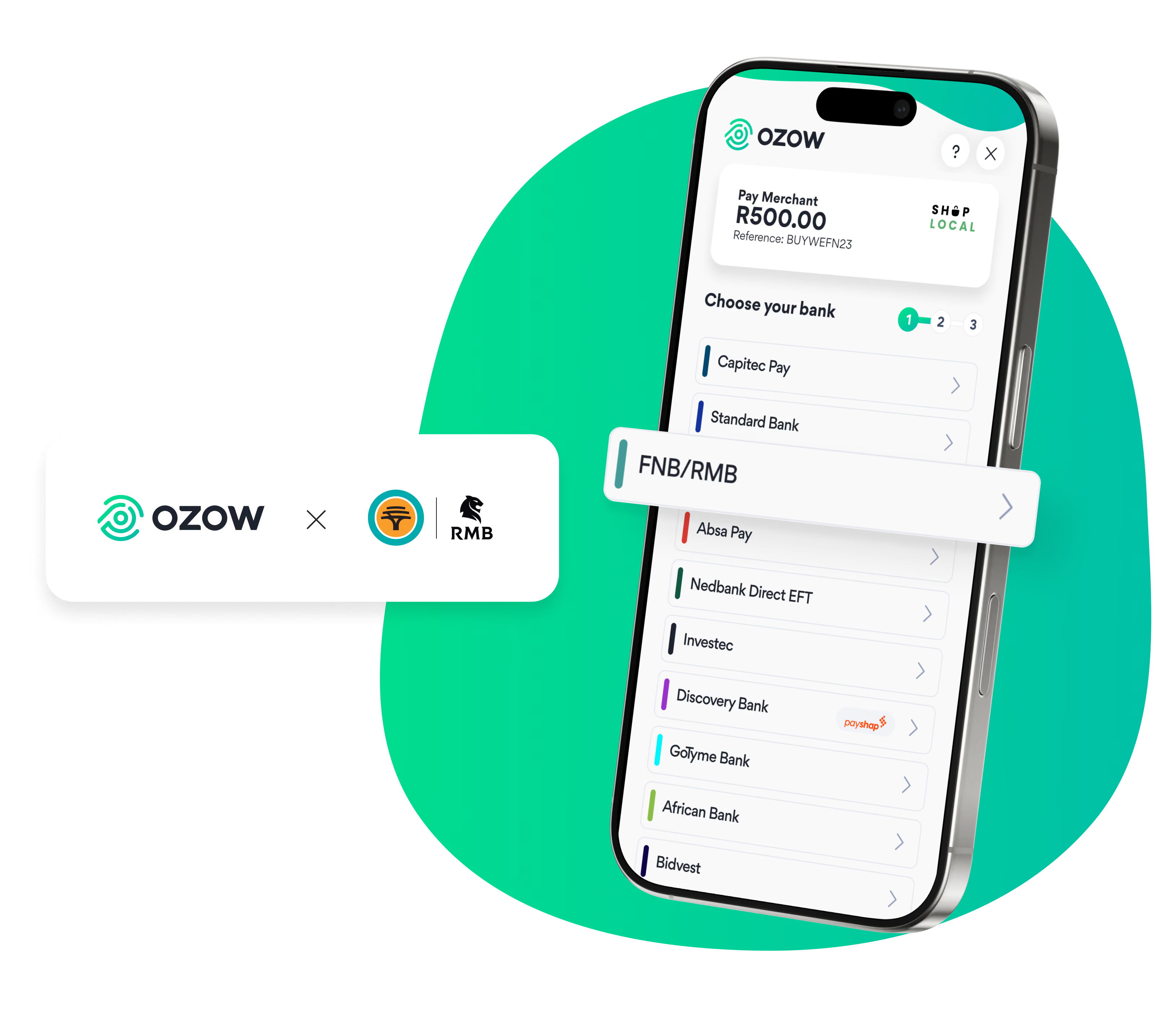
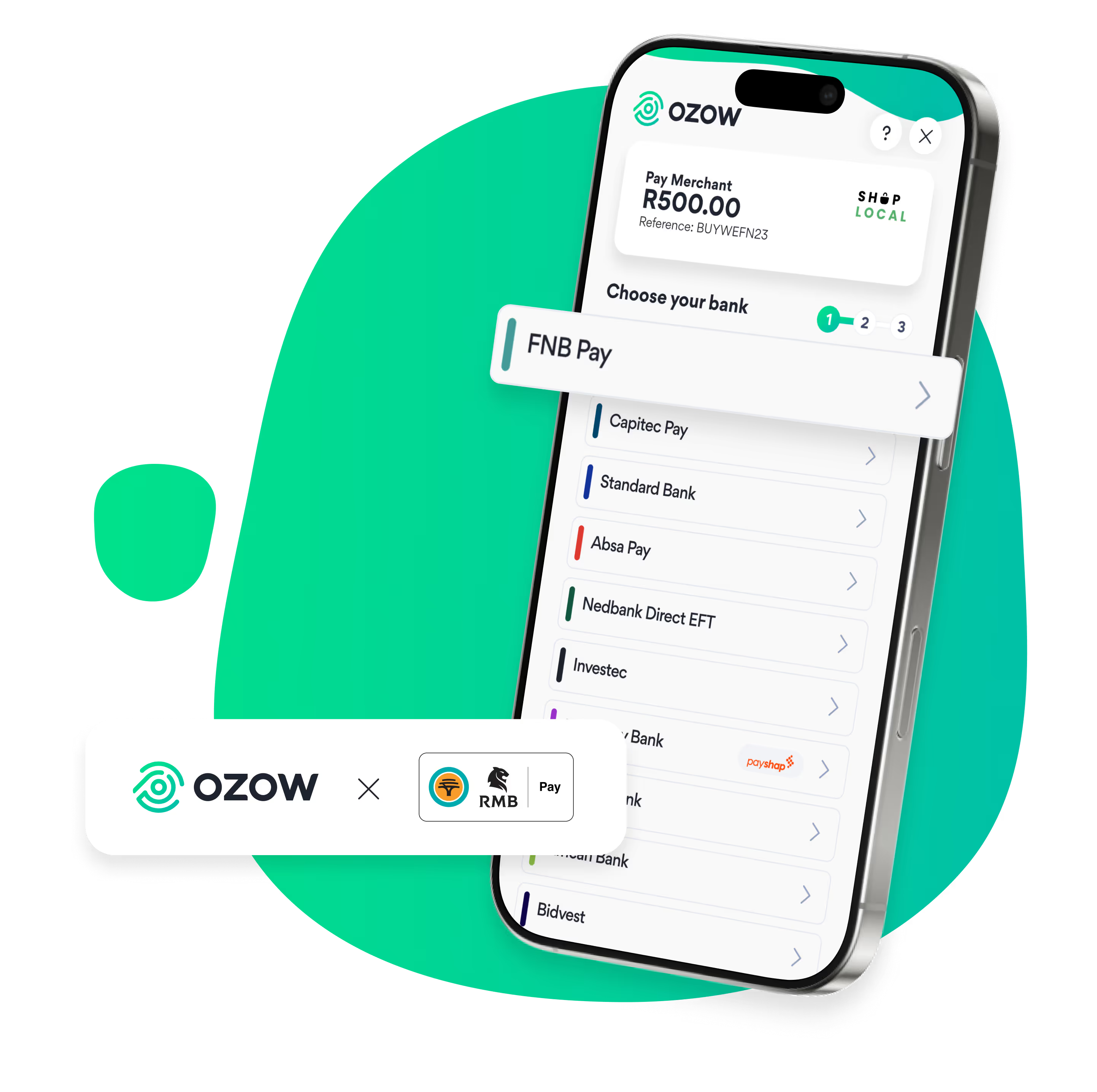
FNB Payment Request delivers a seamless, in-app authorisation experience built on the trusted infrastructure of FNB and RMB.
How to use Capitec Pay?
Capitec Pay is safe, secure and easy. While one or two steps might have changed, we’ve just made the process more intuitive than ever.
Customers no longer need their banking details – with Capitec Pay you only need your mobile number, the Capitec banking app, and a smart device. After using your mobile number simply follow the prompts.
FNB/RMB Payment Request FAQs
FNB/RMB Payment Request is a secure and innovative solution that streamlines online payments. It leverages a direct connection between FNB and Ozow, eliminating the need to share your sensitive account details with third-party websites.
FNB/RMB Payment Request is a fresh payment is an API approach introduced by FNB and RMB for Ozow customers. This solution eliminates the requirement for clients to utilise remote banking credentials for payment purposes. Instead, they can enter their account number and use their bank identifier and their banking app for authorisation.
Once you have chosen to pay with Ozow at the merchant checkout, simply choose FNB/RMB Payment Request and proceed by inputting your account number. You will then get a notification from FNB or RMB (depending on who you bank with) through your banking app to authorise the payment.
If you did not receive the notification:
1. Sign into your FNB or RMB App
2. Open the menu options
3. Select Authorisations and approve the transaction
No additional integration will be required.
Yes, if you wish to opt out of using FNB/RMB Payment Request, kindly send an email to support@ozow.com notifying us of your decision.
As with our standard Pay-by-Bank products, these transactions and statuses are updated in real time on the Ozow Merchant dashboard.
Settlement of funds for FNB/RMB Payment Request transactions will occur once a day on weekdays at 15:00 and 08:00 on Saturdays. No settlements occur on Sundays or on public holidays.
Your personal FNB or RMB payment limits apply.


